A digital wallet is a secure software application that stores your payment credentials and lets you pay for things using your smartphone, smartwatch, or tablet. Apps like Apple Pay, Google Pay, Samsung Wallet, and PayPal have made this technology mainstream, and 5.2 billion users are expected to rely on digital wallets by the end of 2026. That number tells you one thing clearly: this is no longer a niche tech feature. Understanding how digital wallets work gives you the confidence to use them safely and get the most out of every transaction.
How do digital wallets work to process payments?
Digital wallet functionality starts the moment you set up the app. You download the app, add your card by taking a photo or entering the details manually, and complete a quick identity verification with your bank. The whole setup takes under 2 minutes on any NFC-enabled smartphone. That speed is by design. The goal is to get you paying faster, not slower.
Once your card is loaded, three technologies work together every time you tap to pay.
- Near-Field Communication (NFC): This is the radio technology that lets your phone talk to a payment terminal. NFC limits data transmission to 4 cm or less, which means accidental or fraudulent taps from across a room are physically impossible.
- Tokenization: Your real card number is never sent to the merchant. Instead, the wallet generates a single-use token, a random string of numbers that represents your card for that one transaction only.
- API communication: Behind the scenes, your device's secure hardware element, the card network (Visa or Mastercard), and your bank all coordinate in milliseconds via API calls to approve the payment.
Here is a quick look at how the digital wallet transaction process unfolds from tap to approval:
| Step | What happens |
|---|---|
| 1. Tap to pay | NFC chip activates within 4 cm of the terminal |
| 2. Token generated | Wallet creates a single-use token instead of sharing your card number |
| 3. API call sent | Secure Element communicates with card network and bank |
| 4. Bank approves | Authorization returns in milliseconds |
| 5. Payment complete | Receipt stored digitally in your wallet app |
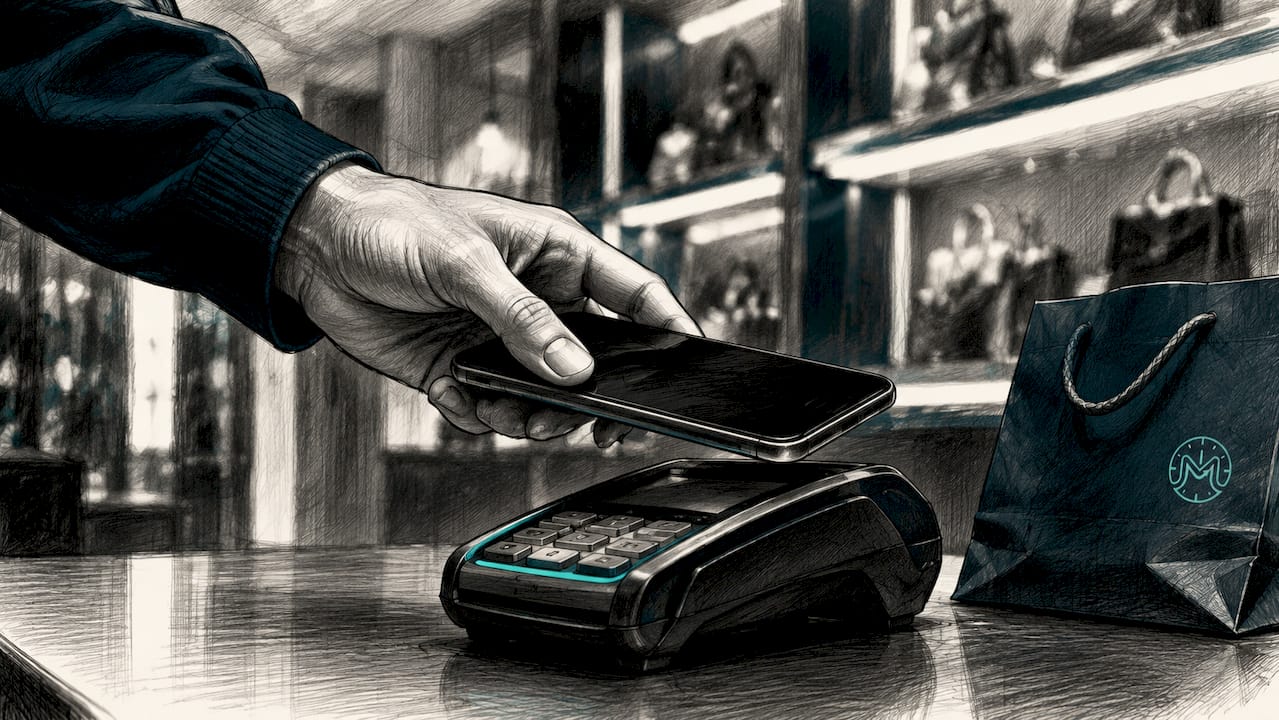
Pro Tip: Always keep NFC turned on but lock your screen when you are not using your phone. The wallet will not activate without your biometric or PIN, so a locked screen is your first line of defense.
What security features make digital wallets safer than physical cards?
Digital wallet security is built in layers, and each layer addresses a specific threat. The result is a system that is measurably safer than carrying a physical card in your pocket.
The foundation is tokenization. Tokens are device-specific and single-use, meaning a token intercepted during one transaction cannot be reused anywhere else. Your actual Primary Account Number (PAN) is never shared with the merchant, so even if a retailer suffers a data breach, your real card details are never exposed. That is a structural advantage over swiping a physical card, where your full card number travels through every system in the payment chain.
On top of tokenization, you have biometric authentication. Most devices require Face ID, a fingerprint scan, or a PIN at least once per session before any payment goes through. This step stops someone from picking up your phone and tapping it at a terminal without your knowledge.
The hardware layer adds another level of protection. The Secure Element chip in your smartphone stores your cryptographic payment keys in an isolated environment, completely separate from the operating system. Even if malware compromises your phone's OS, it cannot reach the keys stored in the Secure Element. Physical cards have no equivalent protection.
The gold standard of digital payment security is the combination of tokenization and biometric authentication. Together, they make stolen card data useless, because a thief would need both your physical device and your face or fingerprint to complete a transaction.
Finally, if your phone is lost or stolen, you can remotely lock or wipe your digital wallet through your device's account settings. Apple's Find My, Google's Find My Device, and Samsung's Find My Mobile all support this. A lost physical card requires calling your bank and waiting for a replacement. A lost phone with a digital wallet can be secured in seconds.
How do digital wallets benefit you in everyday transactions?
The practical benefits of digital wallets go well beyond skipping the card swipe. Here is how they change your daily routine in concrete ways.
- Faster checkouts. Tap-to-pay with Apple Pay or Google Pay takes roughly two seconds at the terminal. Digging out a physical card, inserting it, and waiting for the chip to read takes closer to fifteen seconds. Over hundreds of transactions a year, that time adds up.
- Cleaner online shopping. Wallets like PayPal and Apple Pay fill in your payment and shipping details automatically at checkout. You skip the form-filling and reduce the risk of typos that cause failed transactions.
- More than just payments. Digital wallets store boarding passes, IDs, event tickets, and loyalty cards, which means your phone can replace most of what is in your physical wallet. That consolidation reduces clutter and the risk of losing individual cards.
- Digital receipts on demand. Every transaction is logged automatically in the wallet app. No more digging through paper receipts to track spending.
- Limited offline payments. Some wallets support offline transactions using pre-stored tokens, so you can still pay even without a cell signal. You will need an internet connection eventually to refresh those tokens, but short gaps in coverage are not a problem.
Understanding why financial education matters for young people includes teaching them tools like digital wallets, since these are now core to how money moves in everyday life.
Pro Tip: Review your digital wallet transaction history once a week. Spotting an unfamiliar charge early is far easier than disputing months of transactions later.
What types of digital wallets are there and how do they differ?
Not all digital wallets are built for the same purpose. Knowing the types helps you pick the right tool for each situation.
Mobile wallets like Apple Pay, Google Pay, and Samsung Pay are designed for in-store tap-to-pay. They use NFC technology and are tied to your device's hardware security. These are the best choice for physical retail purchases.
Online wallets like PayPal, Venmo, and Cash App focus on web purchases and peer-to-peer transfers. They do not require NFC and work across any device with a browser. PayPal is the dominant choice for online shopping, while Venmo and Cash App are popular for splitting bills and sending money to friends.
Cryptocurrency wallets store private keys for digital currencies like Bitcoin and Ethereum. They come in software form (apps like MetaMask or Coinbase Wallet) and hardware form (physical devices like Ledger). These are not used for everyday retail payments but are the standard tool for managing digital assets. For a broader look at digital currency for travel, the distinctions between wallet types matter a lot when you are crossing borders.
Here is a side-by-side comparison of the main wallet types:
| Wallet type | Best for | Examples | Key technology |
|---|---|---|---|
| Mobile wallet | In-store tap-to-pay | Apple Pay, Google Pay, Samsung Pay | NFC, Secure Element |
| Online wallet | Web purchases, P2P transfers | PayPal, Venmo, Cash App | API, encryption |
| Crypto wallet | Digital asset management | MetaMask, Ledger, Coinbase Wallet | Private key cryptography |
From a business perspective, wallets are also classified as closed (usable only within one ecosystem, like a Starbucks app), semi-closed (accepted at select merchants), or open (linked to a bank or card network and accepted almost anywhere). Apple Pay and Google Pay are open wallets. The Starbucks app is a closed wallet. Most people use a mix of both without realizing it.
Build your money skills with Minutementor
Digital wallets are one piece of a bigger financial picture. Knowing how to use them confidently is a real money skill, and that is exactly what Minutementor is built to help you develop.
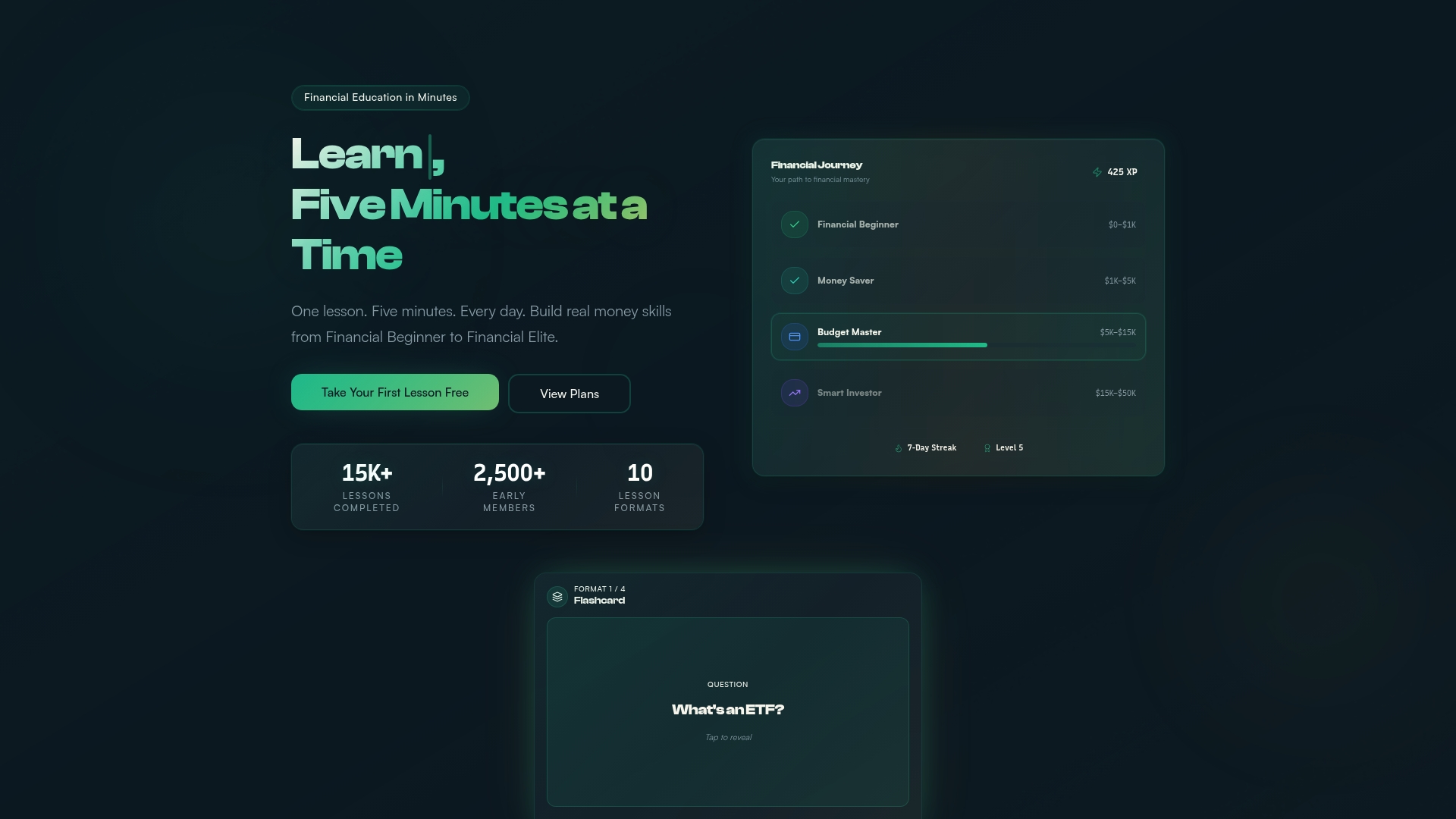
Minutementor delivers five-minute daily lessons on budgeting, payments, saving, and investing through an AI-powered personal finance coach that adapts to your goals. Whether you are a student learning to manage your first paycheck or a young professional building smarter spending habits, Minutementor meets you where you are. Lessons cover modern tools like digital wallets alongside core money concepts, so you build real skills fast. Start your first lesson today and level up your financial confidence one day at a time.
FAQ
What is a digital wallet?
A digital wallet is a software application that securely stores your payment card information and allows you to make purchases using your smartphone, smartwatch, or tablet. Examples include Apple Pay, Google Pay, Samsung Wallet, and PayPal.
Are digital wallets safer than physical cards?
Digital wallets are safer than physical cards because your real card number is never shared with merchants. Tokenization and biometric authentication together mean stolen data cannot be used to complete a transaction.
How do I set up a digital wallet?
Download a wallet app like Apple Pay or Google Pay, add your card by photo or manual entry, and complete bank verification. The full setup takes under 2 minutes on any NFC-enabled smartphone.
Can digital wallets work without internet?
Some wallets support limited offline payments using pre-stored tokens, but you need an internet connection periodically to refresh those tokens and keep the wallet fully functional.
What is tokenization in a digital wallet?
Tokenization replaces your real card number with a single-use, device-specific token for each transaction. Even if that token is intercepted, it is cryptographically useless outside the specific transaction it was created for.
Key takeaways
Digital wallets process payments securely by combining NFC technology, single-use tokenization, biometric authentication, and hardware-level encryption so your real card number is never exposed to merchants or data breaches.
| Point | Details |
|---|---|
| Tokenization protects your card | Your real card number is replaced with a single-use token, keeping it safe from merchant breaches. |
| NFC limits physical range | Payment data transmits only within 4 cm, making accidental or remote fraud physically impossible. |
| Biometrics add a human lock | Face ID or fingerprint approval is required per session, blocking unauthorized use even if your phone is stolen. |
| Secure Element isolates keys | Cryptographic keys live in hardware separate from the OS, so malware cannot extract them. |
| Wallet types serve different needs | Mobile wallets handle in-store payments, online wallets cover web purchases, and crypto wallets manage digital assets. |